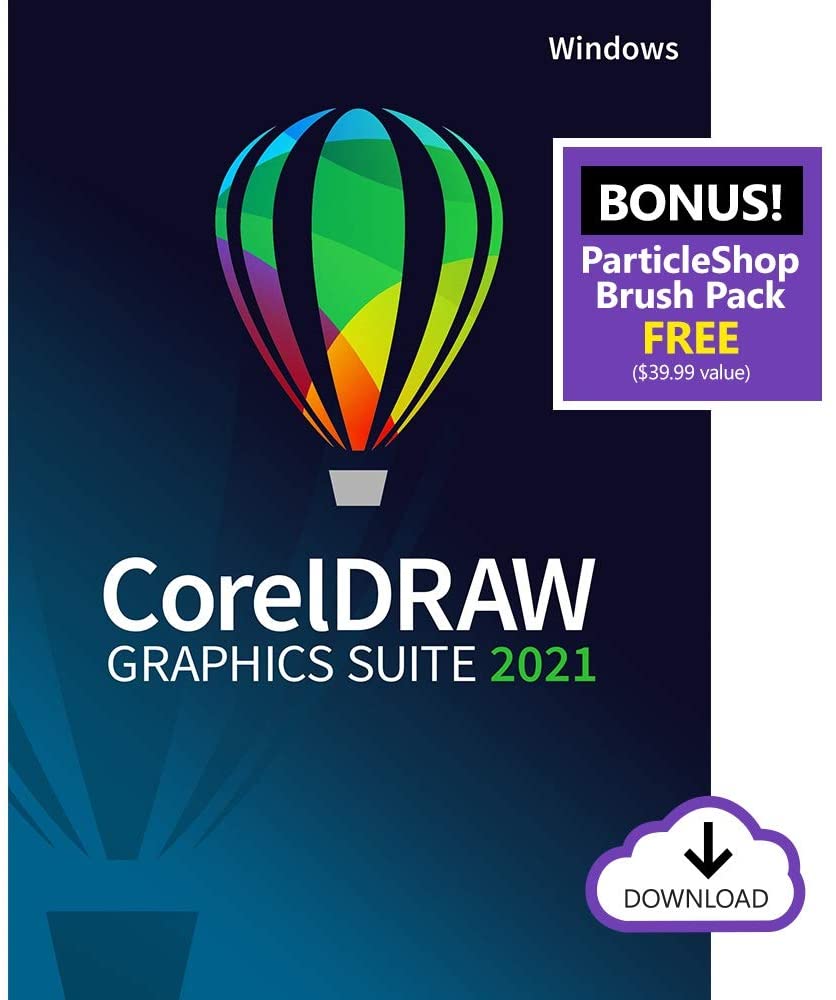
CorelDRAW Graphics Suite 2021 – Instant Download for Windows
$ 18,99
Guaranteed Safe Checkout
Features & Compatibility
CorelDRAW Graphics Suite 2021 provides users with a complete suite of professional graphic design applications for vector illustration, layout, photo editing, design, and more. Users are provided with 7000 clipart, digital images, and vehicle wrap templates, 1000 high-resolution digital photos, over 1000 TrueType and OpenType fonts, 150 professionally designed templates, and over 600 fountain, vector, and bitmap fills.
This suite includes CorelDRAW for vector illustration and page layout, Corel PHOTO-PAINT for image editing and pixel-based design, Corel Font Manager for font exploration and management, PowerTRACE for AI-powered bitmap-to-vector tracing, the CorelDRAW.app, which allows online vector illustration and graphic design via a web browser or your iPad, CAPTURE, which is a screen capture tool, and AfterShot 3 HDR for raw photo editing.
Features new to CorelDRAW Graphics Suite 2021 include Perspective Drawing, Multipage View, Image Adjustment, Multi-Asset Export, Live Comments, Project Dashboard, Pages Docker/Inspector, Autofit Page, Snap to Self, HEIF Support, and Export or Import Font Collections. There are also several features from the 2020 version that have been further enhanced for this year’s release.
Please note that this is the standard edition of CorelDRAW Graphics Suite 2021 and includes a perpetual license.

General Features
From Wireframe to Wow
Design
Collaborate
Done
All the Tools You Need to Tackle Any Project
Create anything and everything with this powerful, full-featured graphic design application for vector illustration, page layout, and more.
Corel PHOTO-PAINT
Process images in high gear with the robust, AI-powered Corel PHOTO-PAINT and enjoy an integrated workflow with CorelDRAW.
CorelDRAW.app
Use CorelDRAW.app to gather feedback from a client, or to access your work remotely when you’re not near your computer.
CorelDRAW.app for iPad
Rely on the iPad app for convenient collaborative file review or to design on the go.
CAPTURE
Capture and save images of your computer screen, including the entire screen, individual windows, or menu lists, in one click.
Corel Font Manager
Organize and manage your font library with the simple, yet intuitive, Corel Font Manager, and use your favorite fonts without needing to install them.
AfterShot 3 HDR
Make professional-grade corrections and enhancements to raw or JPEG photos and create high dynamic range images with AfterShot 3 HDR.
The Sky’s the Limit
Branding and Marketing
Signage and Large Format Printing
Apparel and Textiles
Retail and E-Commerce
Blueprints, Maps, and Schematics
Illustration and Fine Art
How Does CorelDRAW Graphics Suite Stand Out from the Competition?
Draw in Perspective
Flexible Design Space
Multipage View
View, manage, and edit all of your project’s digital assets in one view – a whole new playground for creativity! Move objects across pages fluidly, compare designs side-by-side, and freely move pages around to arrange them as you wish.
Multi-Asset Export
When you’re done designing, create a customized list of page and object items to export with one click!
Symbols Workflow Enhancements
An enhanced Symbols workflow saves you time by enabling you to quickly search for symbols within large libraries and identify them easier among other objects.
Progressive Image Editing
Enhanced Color Replacement
Test drive the Replace Colors tool for a faster, easier route to flawless photos.
Reimagined Adjustments Workflow
Take the totally transformed Adjustments workflow in Corel PHOTO-PAINT for a spin to apply critical image adjustments non-destructively, in real time, and in context.
HEIF File Format Support
Enjoy support for the standard photo format used on iPhone.
Next-Generation Collaboration
CorelDRAW is Everywhere
Professional Design Tools at Your Fingertips
Use CorelDRAW’s powerful vector illustration tools to turn basic lines and shapes into complex works of art. Create curves with many versatile shaping and drawing tools. Add creative effects to your vector artwork with effect tools like Contour, Envelope, Blend, Mesh Fill, and more.
Page Layout
Find all the tools you need to create layouts for brochures, multi-page documents and more. Toggle between single page and multipage editing, giving you creative freedom to work the way you want.
Photo Editing
Adjust color and tone, remove imperfections, correct perspective, and more with Corel PHOTO-PAINT’s powerful layer-based photo editing tools. Improve the size and quality of your images with artificial intelligence and use AfterShot 3 HDR to create High Dynamic Range photos from your raw images.
Typography
Arrange type beautifully with a complete set of typography tools. Add effects to text like block shadows and contours, fine-tune fonts responsively with variable font support, fit text to paths, and more. Font Management
Organize and manage your font library with the intuitive Corel Font Manager and use your favorite fonts without installing them. Work faster with fonts using the network storage feature.
Color, Fills, and Transparencies
Non-Destructive Editing
Bitmap to Vector Tracing
Styles and Style Sets
Unparalleled Object Control
Workspace Customization
Design for Print of Web
Extensive File Compatibility
Designed from the Ground Up for Windows
Work quickly and efficiently with Windows Real-Time Stylus pen-compatible tablets, such as the Microsoft Surface, in addition to Wacom tablets and devices.
Touch
Create quick adjustments using touch or a stylus. The Touch workspace maximizes the size of your drawing window by displaying only the tools and commands used most often, plus you can pan and zoom with a single gesture.
Dial
Enjoy support for wheel devices, such as the Microsoft Surface Dial. Experience an alternative way of working in CorelDRAW by using touch and dial alone. Put your keyboard aside and try the contextual onscreen UI.

Reviews
There are no reviews yet.